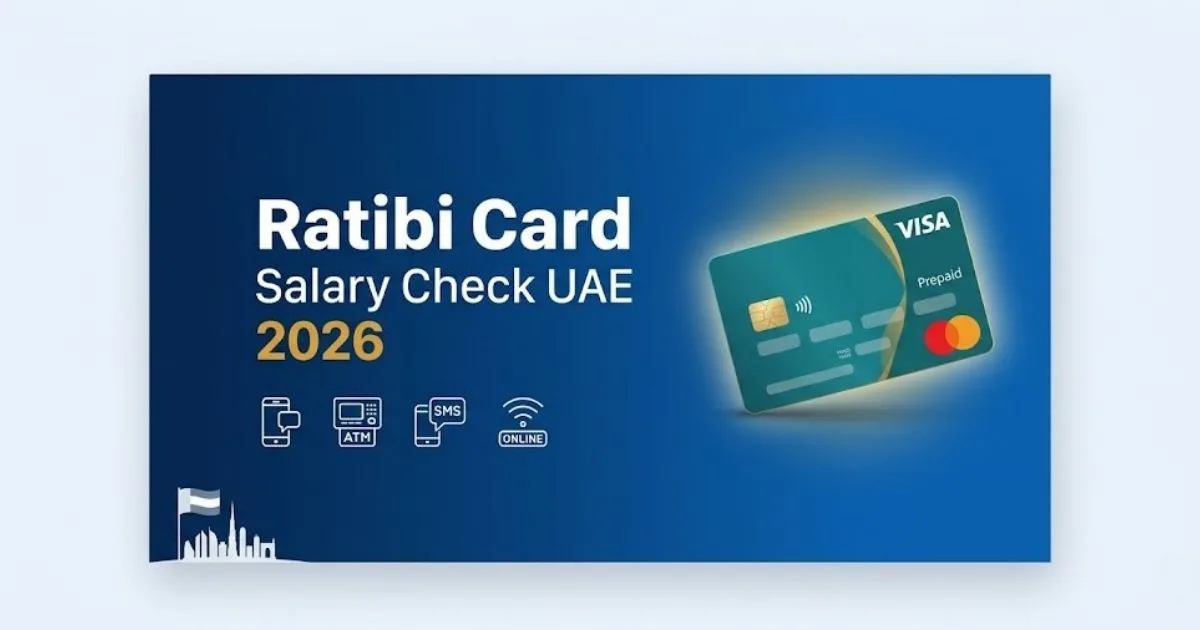
The Ratibi Card is a FAB (First Abu Dhabi Bank) prepaid salary card designed for employees earning up to AED 5,000 per month in the UAE.
It lets workers receive their salary without a traditional bank account. Whether you use the PPC Magnati portal, FAB app, ATM, or SMS, checking your Ratibi Card salary balance in 2026 is fast, secure, and completely free.
What Is the Ratibi Card?
The Ratibi Card is a WPS-approved prepaid payroll card issued by First Abu Dhabi Bank (FAB). It was introduced to solve salary distribution challenges for low-income workers and expatriates in the UAE who do not hold regular bank accounts.
It is widely used in sectors like construction, hospitality, retail, and domestic work. Employers load salaries directly onto the card each month through FAB’s secure payroll system.
| Feature | Details |
| Issued By | First Abu Dhabi Bank (FAB) |
| Card Type | Prepaid Payroll / Salary Card |
| Salary Limit | Up to AED 5,000/month |
| WPS Compliant | Yes |
| Bank Account Required | No |
| Card Network | Visa / Mastercard |
| Monthly Fee | AED 0 (Free) |
| Minimum Balance | None |
| Customer Support | 600 522 298 |
| International Support | +971 2 499 6279 |
How to Check Ratibi Card Salary Balance – All Methods
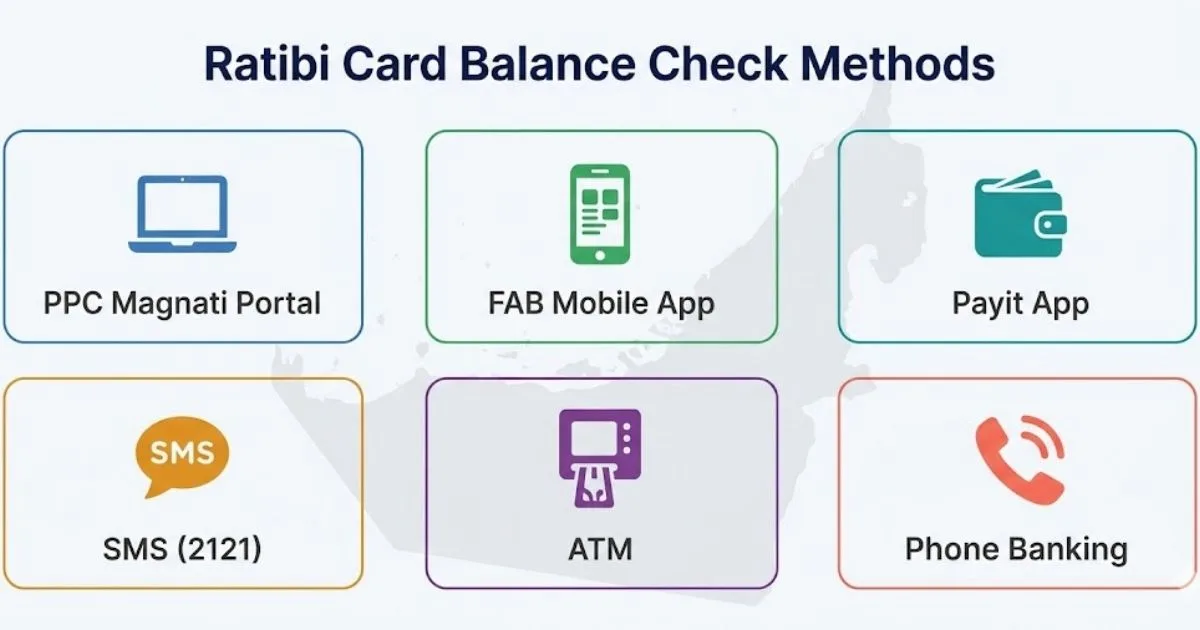
Method 1: PPC Magnati Portal (Online – Fastest)
This is the most used method in the UAE. It works on any device and does not require login credentials.
Steps:
- Go to the official PPC Magnati portal: https://ppc.magnati.com/ppc-inquiry
- Enter the last 2 digits of your Ratibi Card number
- Enter your Card ID (found on the back of the card)
- Complete the captcha
- Click “Go” – your salary balance appears instantly
Pro Tip: On salary days, the portal may be slow due to high traffic. Try early morning for faster results.
Method 2: FAB Mobile App
The FAB Mobile App is available for both Android and iPhone users. It gives real-time balance and transaction history.
Steps:
- Download the FAB Mobile App from Google Play or Apple App Store
- Log in using your Ratibi Card number or registered mobile number
- Go to Cards section
- Select your Ratibi Card
- Tap “Transactions” or “Statement” to see your salary deposits
You can also download or email your statement directly from the app.
Method 3: Payit App (FAB Digital Wallet)
The Payit app is FAB’s official digital wallet and works well with Ratibi Cards.
Steps:
- Download the Payit app from App Store or Google Play
- Open the app and tap “Get Started”
- Log in or register using your UAE mobile number
- Select “Ratibi Card Holders” when prompted
- Link your Ratibi Card and view balance instantly
Once linked, you can also pay bills, recharge phone credit, and transfer money through Payit.
Method 4: SMS Balance Check
SMS is best when you have no internet access. You must be registered for FAB SMS Banking first.
Steps:
- Make sure your mobile number is registered with FAB
- Send your 13-digit Ratibi Card number to 2121
- Your salary balance will be sent back to you via SMS
Note: Your SMS PIN is different from your ATM PIN. Keep both private.
Method 5: ATM Balance Inquiry
Any FAB ATM across the UAE can show your balance for free.
Steps:
- Insert your Ratibi Card into an FAB ATM
- Enter your PIN
- Select “Balance Inquiry”
- Your balance shows on screen instantly
- You can also select “Mini Statement” to see recent transactions
You do not need the internet for this method. FAB ATMs are available 24/7 across the UAE.
Method 6: Phone Banking (Call)
Best for workers who are not tech-savvy.
- UAE: Call 600 52 5500
- International: Call +971 2 6811511
- Speak to a customer representative
- Provide your card details for verification
- Your salary balance will be shared instantly
Method 7: FAB Branch Visit
If you face any card issue or need help:
- Visit the nearest FAB branch with your Ratibi Card + Emirates ID
- Ask the teller for a balance inquiry or printed statement
- The branch staff will assist you immediately
Quick Comparison of All Methods
| Method | Internet Required | Speed | Best For |
| PPC Magnati Portal | Yes | Instant | Desktop/Laptop users |
| FAB Mobile App | Yes | Instant | Smartphone users |
| Payit App | Yes | Instant | Digital wallet users |
| SMS (2121) | No | 1–2 minutes | No internet situations |
| ATM | No | Instant | Cash users, non-tech |
| Phone Banking | No | 2–5 minutes | Non-tech workers |
| FAB Branch | No | Immediate | Help with issues |
Ratibi Card Key Benefits
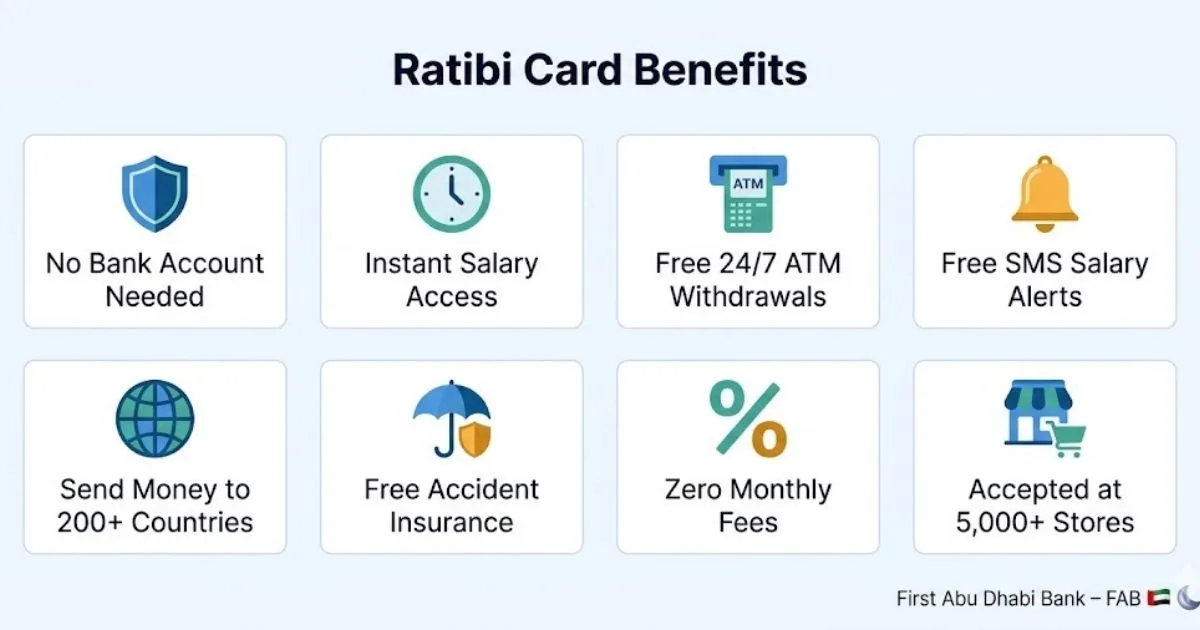
The Ratibi Card offers a strong set of features for both employees and employers.
For Employees:
- No bank account needed to receive salary
- Free 24/7 ATM access across the UAE and internationally
- Zero monthly charges and no minimum balance
- Free SMS alerts when salary is credited
- Free personal accident insurance (up to AED 25,000 for death or disability)
- Hospitalization benefit: AED 50/day for up to 30 days (accident-related)
- Repatriation cover: Up to AED 5,000 for mortal remains
- International remittance to 200+ countries
- Accepted at 5,000+ stores across the UAE
- Bill payments: Etisalat, du, Salik, Mawaqif and more
- Mobile recharge directly from the card
- Salary advance (Money on Demand): Access up to 50% of salary in advance
- Compatible with Apple Pay and Google Pay
For Employers:
- Simplified bulk payroll processing through FAB
- Full WPS compliance with UAE Ministry of Human Resources
- Real-time tracking of salary disbursements
- Reduced cash handling risk
- Lower operational and administrative costs
How Salary Is Credited to Your Ratibi Card
Here is how the salary payment process works every month:
- The employer calculates salary based on work hours and attendance
- Employer submits salary file through FAB’s WPS portal
- FAB’s system automatically transfers salary to each employee’s Ratibi Card
- Employee receives an instant SMS alert confirming the credited amount
- Funds are available immediately for withdrawal or payments
The Ratibi system uses the Wage Protection System (WPS) developed by the UAE Central Bank and Ministry of Human Resources. It ensures salaries are paid on time and are fully protected.
How to Apply for a Ratibi Card (For Employers)
If you are an employer and want to issue Ratibi Cards to your staff:
Eligibility:
- Company must have a FAB Corporate Account
- Must be registered on UAE WPS (Ministry of Human Resources & Emiratisation)
- Employees must have a valid UAE Residency Visa and Emirates ID
- All KYC (Know Your Customer) documents must be complete and updated
Application Steps:
- Download the Ratibi Application Form from the FAB website
- Fill in the required company and employee details
- Complete the employee details Excel sheet
- Fill up the iBanking application form for online card management
- Submit all forms at the nearest FAB branch or community banking branch
Ratibi Card Salary Check – Troubleshooting
| Problem | Solution |
| Balance shows wrong amount | Pending transactions take 24–72 hrs to clear |
| Salary not credited | Wait until end of business day; WPS may delay |
| Card blocked | Call FAB immediately: 600 522 298 |
| Card lost or stolen | Report immediately; FAB will block and replace |
| Portal not loading | Clear browser cache or use a different browser |
| SMS not received | Ensure mobile number is registered with FAB |
| Can’t link Payit | Re-install app and retry; check internet connection |
Ratibi Card Security Tips
Protect your salary at all times. Here are simple but important steps:
- Never share your card number or PIN with anyone
- Avoid public Wi-Fi when using the PPC portal or FAB app
- Always log out after checking your balance online
- Use official apps only – FAB app and Payit app
- Enable two-factor authentication on your mobile banking
- Keep your registered mobile number updated with FAB
- Monitor your account regularly to catch any unauthorized transactions early
FAQs – Ratibi Card Salary Check UAE
Q1: How do I check my Ratibi Card salary online in the UAE?
Visit https://ppc.magnati.com/ppc-inquiry, enter the last 2 digits of your card and your Card ID, then click Go. Your balance shows instantly.
Q2: Can I check my Ratibi Card balance without the internet?
Yes. Insert your card at any FAB ATM and select “Balance Inquiry.” You can also call the FAB helpline at 600 52 5500.
Q3: What is the Ratibi Card salary limit in UAE?
The Ratibi Card is issued to employees earning up to AED 5,000 per month. Workers earning more may need a standard FAB bank account.
Q4: Is there a fee to check Ratibi Card balance?
No. All official balance check methods (portal, FAB app, ATM, SMS) are completely free.
Q5: What should I do if my Ratibi Card salary is not credited?
Wait until the end of the business day. If still missing, contact your employer or call FAB at 600 522 298. Keep your Emirates ID and card ready for verification.
Q6: Can I send money internationally using my Ratibi Card?
Yes. The Ratibi Card supports international transfers to over 200 countries. You can also use the Payit app for fast remittances.
Q7: What is the PPC Magnati portal for Ratibi salary check?
It is the official online portal at https://ppc.magnati.com/ppc-inquiry operated by Magnati (formerly known as Network International) for FAB prepaid card balance inquiries.
Q8: Can I get a salary advance on my Ratibi Card?
Yes. The “Money on Demand” feature lets you access up to 50% of your salary before payday through the Payit app.
Final Thoughts
The Ratibi Card UAE is one of the most practical payroll solutions for workers and employers in 2026. It removes the need for traditional banking while fully complying with UAE labor laws. Checking your salary balance is simple and free using the PPC Magnati portal, FAB app, Payit, ATM, or SMS.
If your salary hasn’t arrived, always check using the official FAB channels and contact your employer first. For card issues, reach the Ratibi helpline at 600 522 298 without delay.
Read also: How Do Daily Spiritual Practices Improve Mental Well-Being?